

See how it works
See in the documentation how the platform works and how to submit a quote inquiry. Customer registration will open once at least 10 businesses participate. If you already have an account, sign in.
For customers
We guide you step by step. You describe what you need. We find businesses in your area. All quotes appear under the same inquiry, and you choose the one that suits you best.
See in the documentation how the platform works and how to submit a quote inquiry. Customer registration will open once at least 10 businesses participate. If you already have an account, sign in.
Either with the simple configurator or with the complex one.
We show businesses that serve your area and match the needs of your inquiry. You see ratings and certificates where available. You choose which businesses receive your inquiry.
For customers
Quick selection and advanced configuration cover standard and more complex openings. Express mode asks only for opening types and quantities.
Choose among businesses matching location, material and capability criteria.
Review details, quotes, status changes and eligible rating actions.
Inside the platform
The images use demo data, not real customers or companies. Select an image to enlarge it.
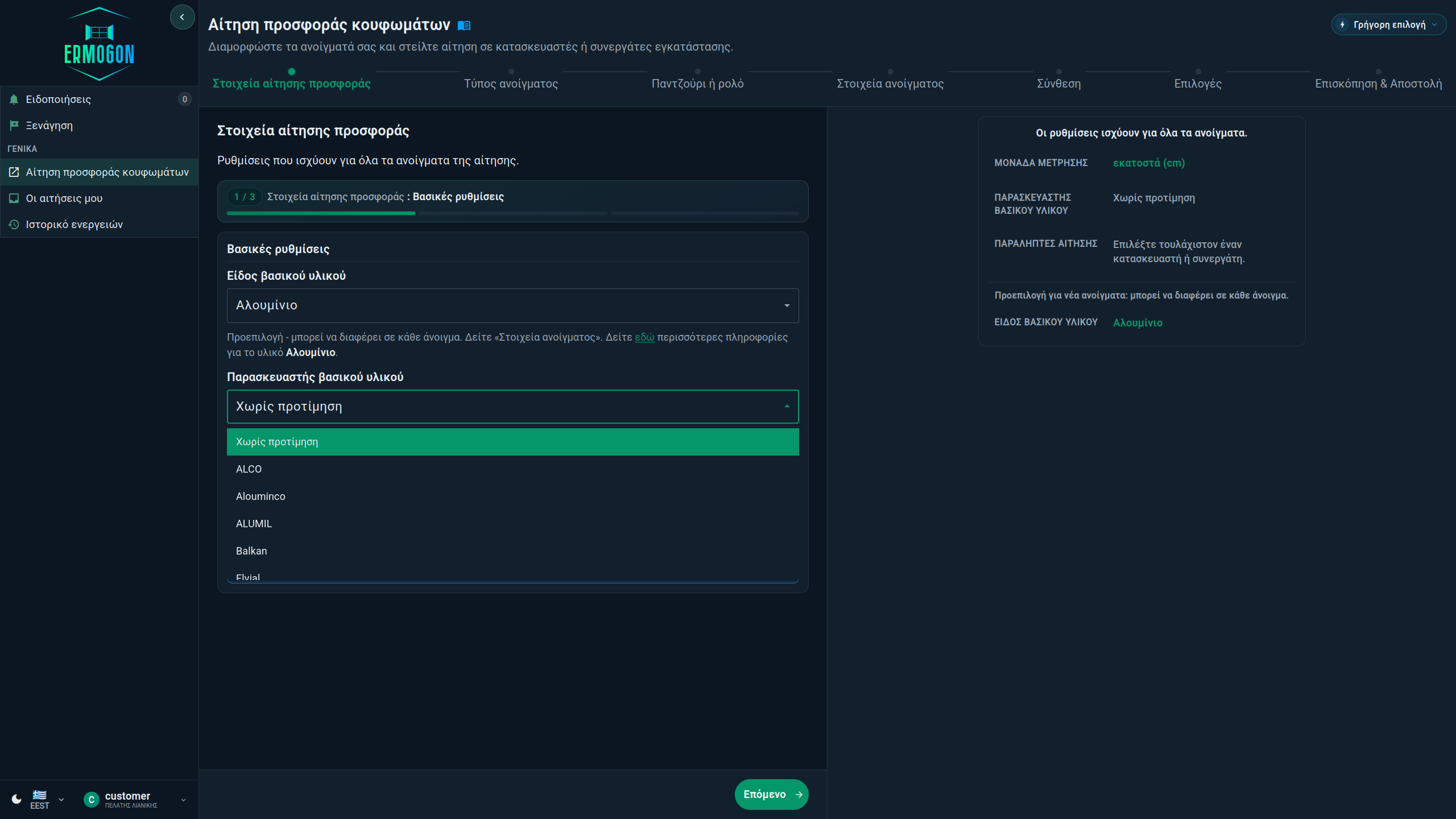
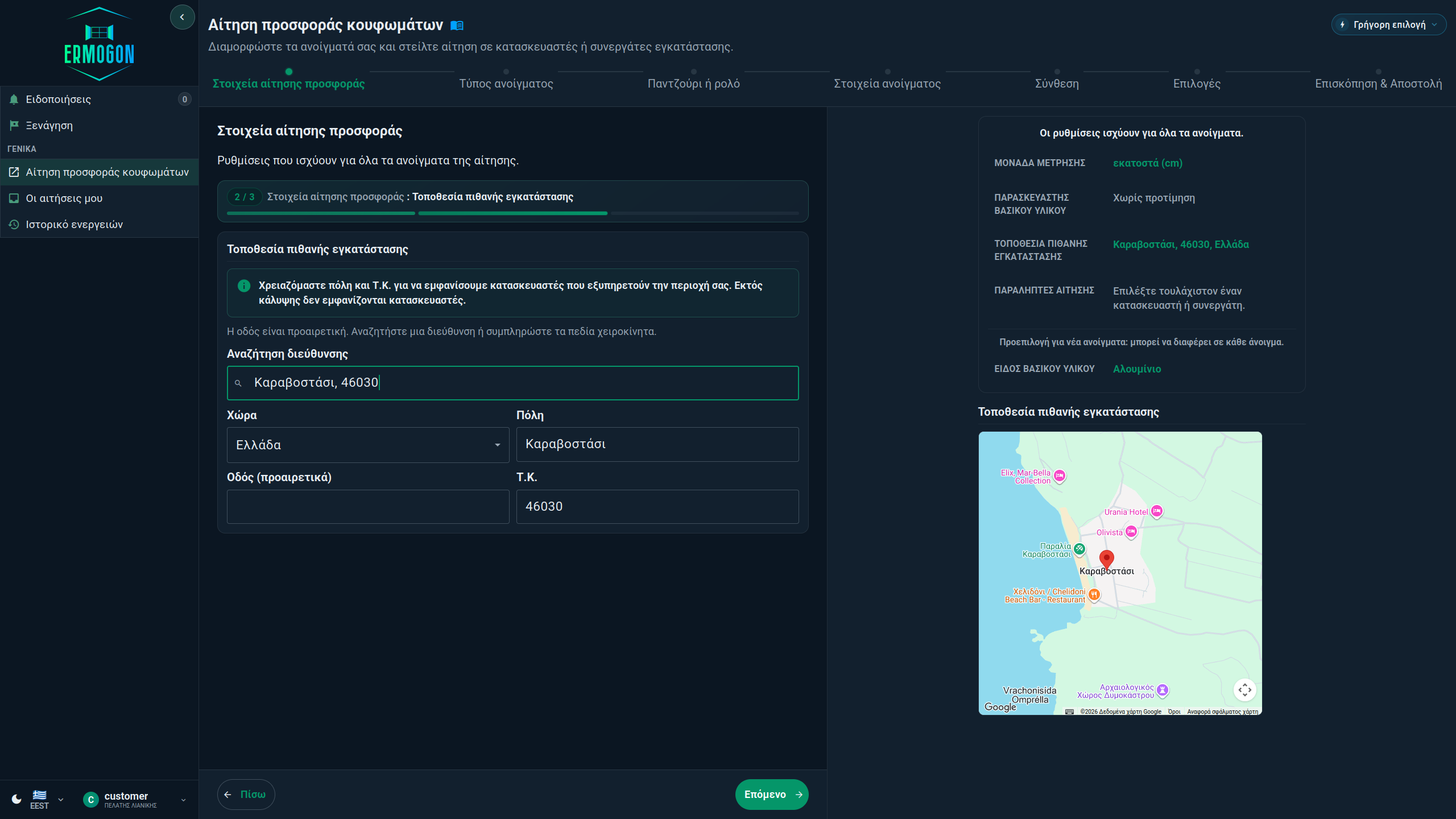
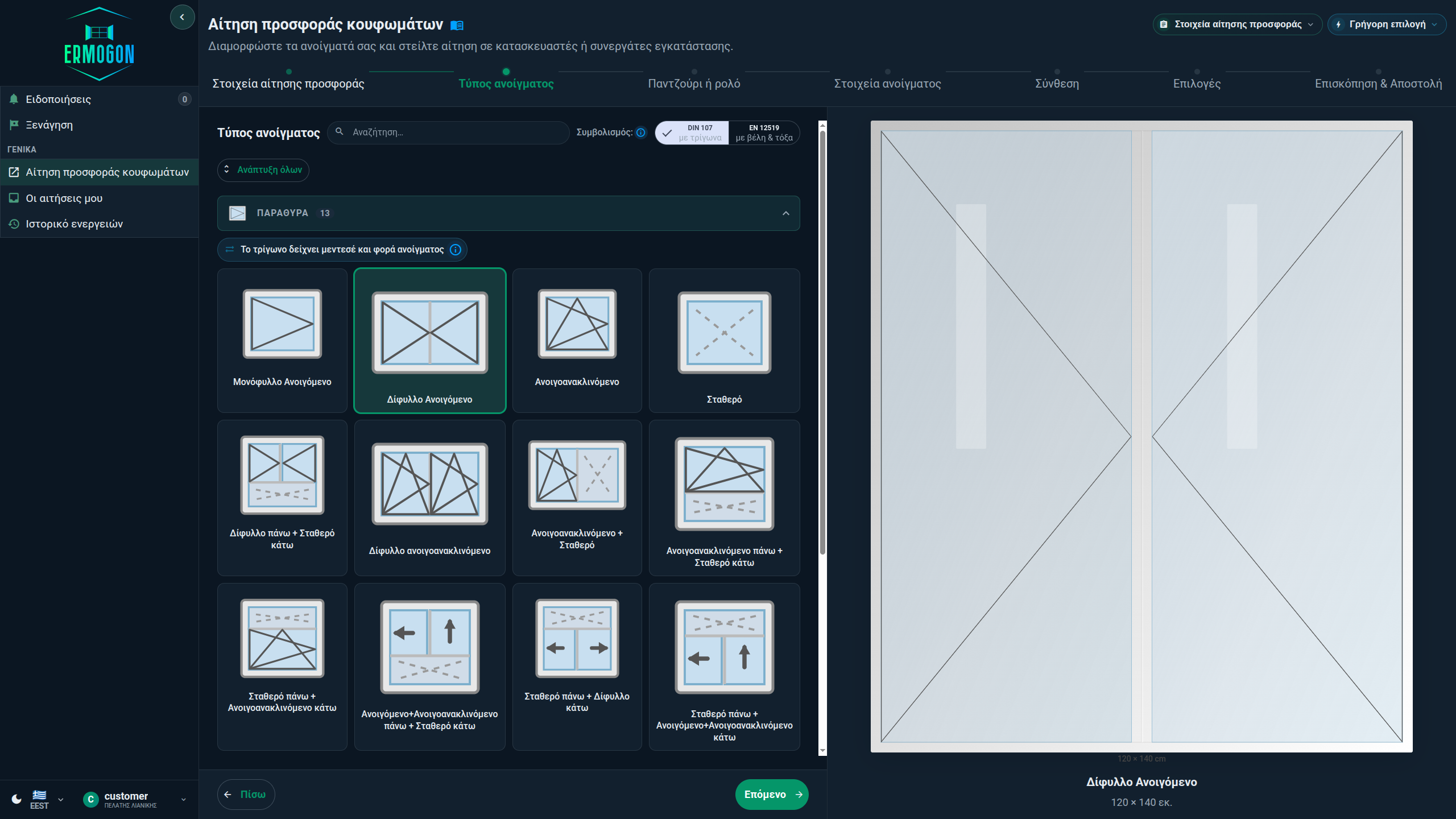
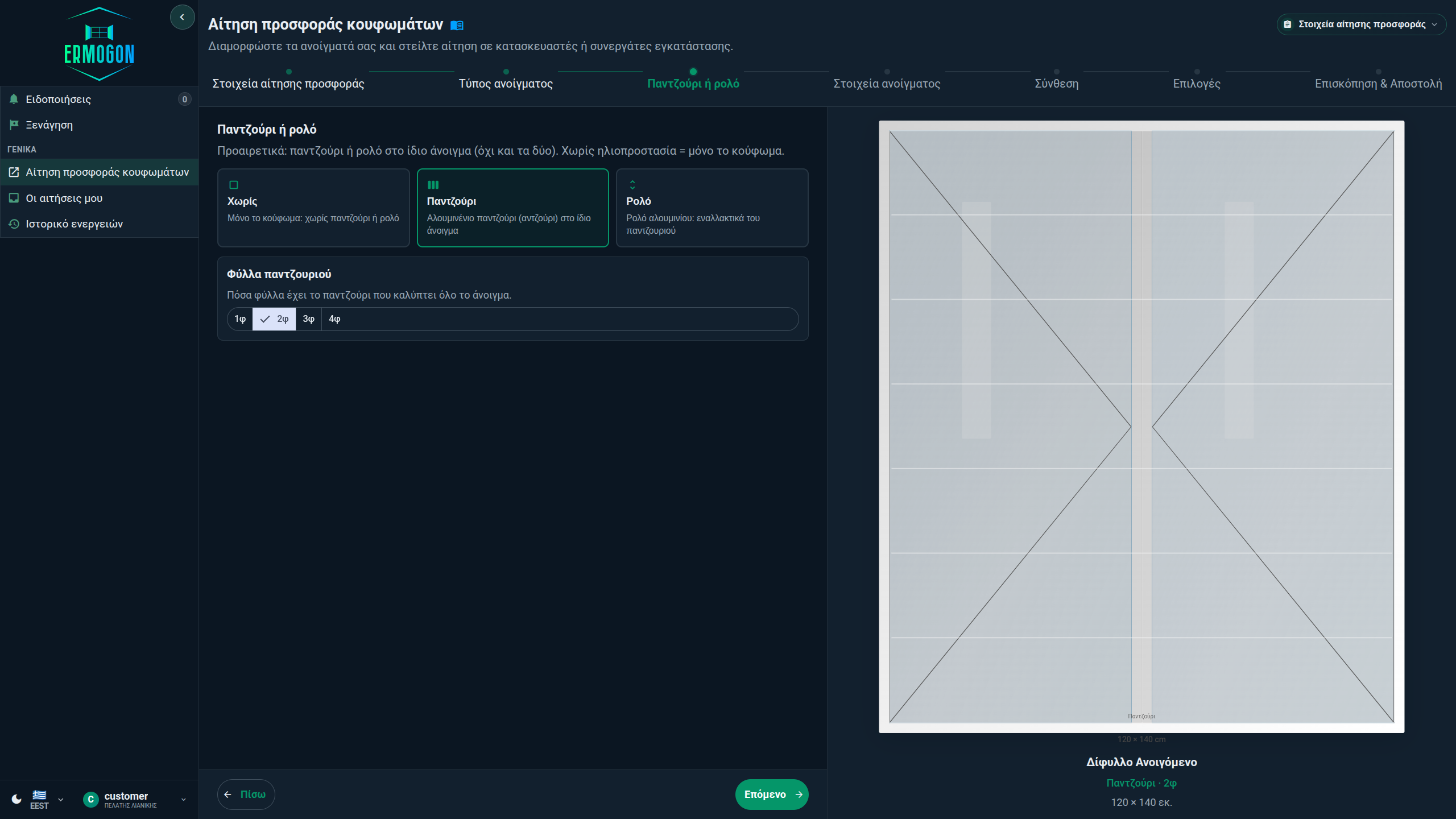
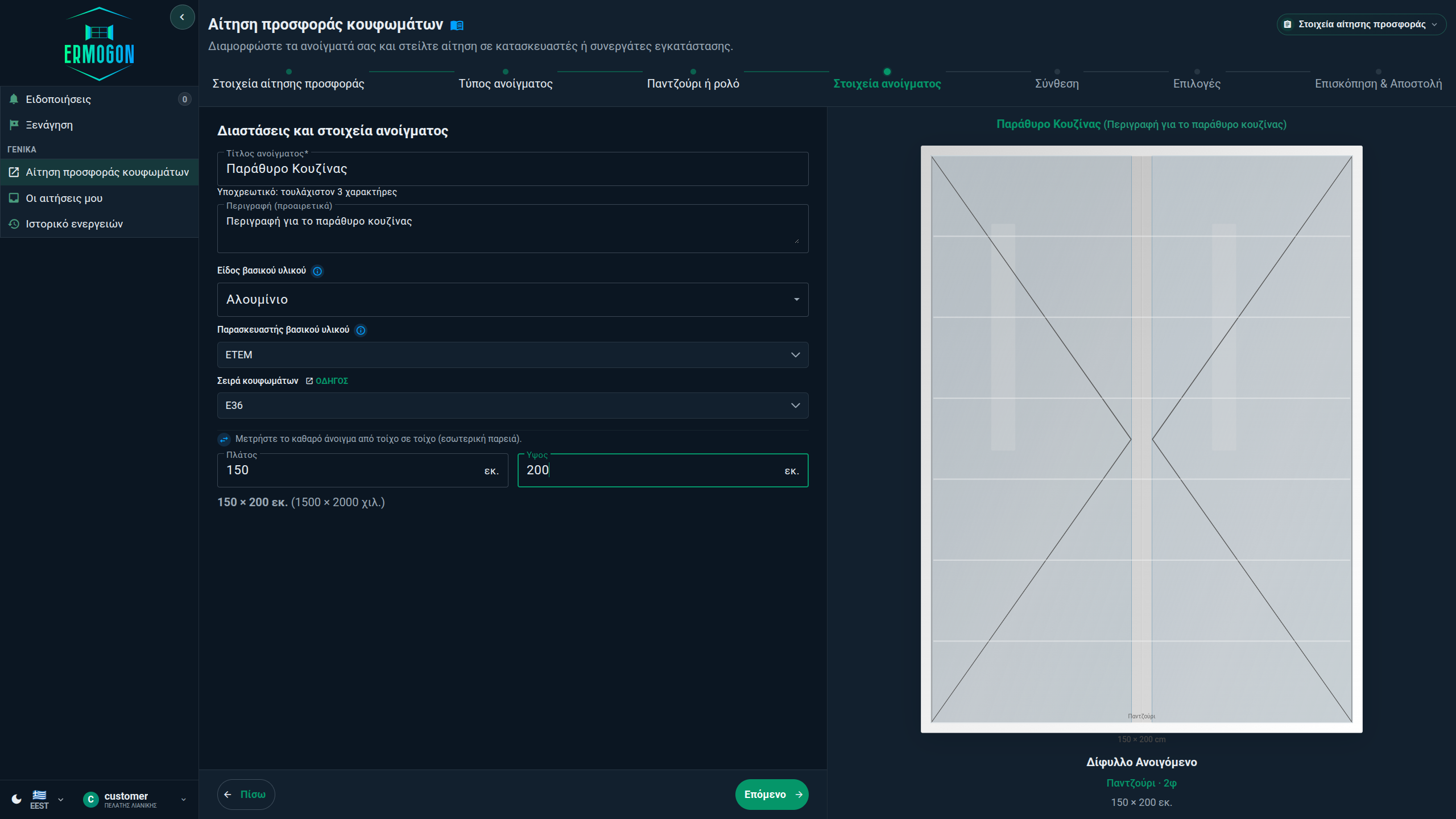
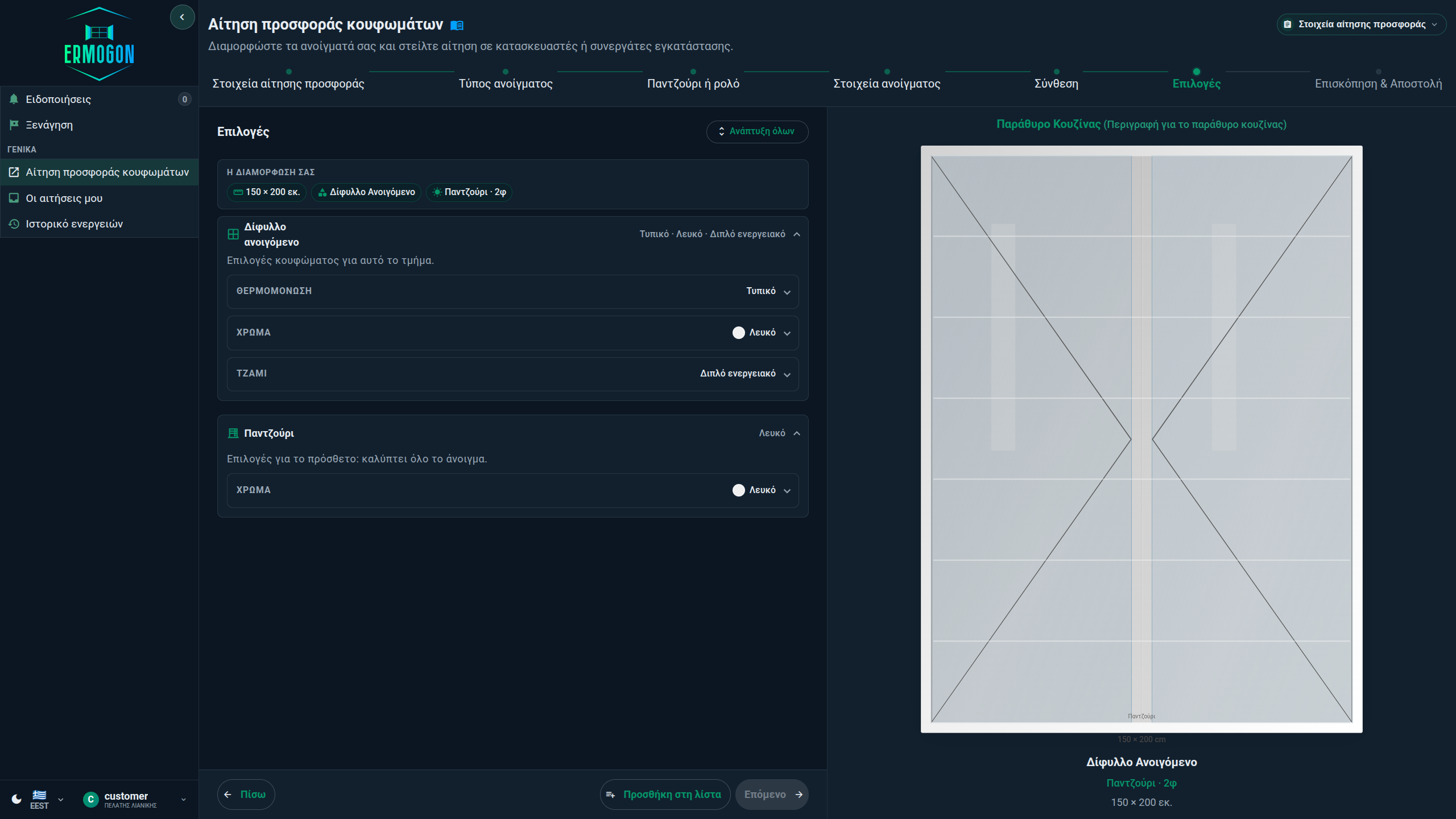
You configure the openings and choose which businesses receive your inquiry. Each business prepares its own quote and sets the price, the products and work it covers, and the delivery or completion time.
A large price difference may mean that the quotes include different materials or work. Before accepting one, also compare the delivery time and any ratings from other customers. See what to check in every quote before you decide.
The catalogue includes series available to choose from ALUMIL, ETEM, EUROPA, Exalco and other suppliers. Depending on which manufacturers take part and what they have declared, a business may appear for the supplier you choose.